Form Setup Excluded Fields
Form Setup Excluded Fields lists field names that form builders can't add to a form in Form Setup. Some field names cause problems when the framework builds a form's records and SQL, such as SQL reserved words and fields the framework uses itself. Listing them here keeps them out of the Field Name lookup in Segment Configuration.
Introduced in GT eForms 3.77.00.
Navigation: Manage GT eForms 3.x > GT Technical Setup > Reference > Form Setup Excluded Fields
The component has two pages:
- GT Excluded Fields: the list GT delivers.
- Custom Excl Fields: your own list.
A field on either list is excluded.
GT Excluded Fields
GT delivers this list and loads it when you install or upgrade GT eForms. It includes PeopleSoft security fields (OPRID, OPRCLASS, ROWSECCLASS), the framework's own header record fields, and common SQL reserved words.
The list is read-only. To exclude more fields, use the Custom Excluded Fields page.
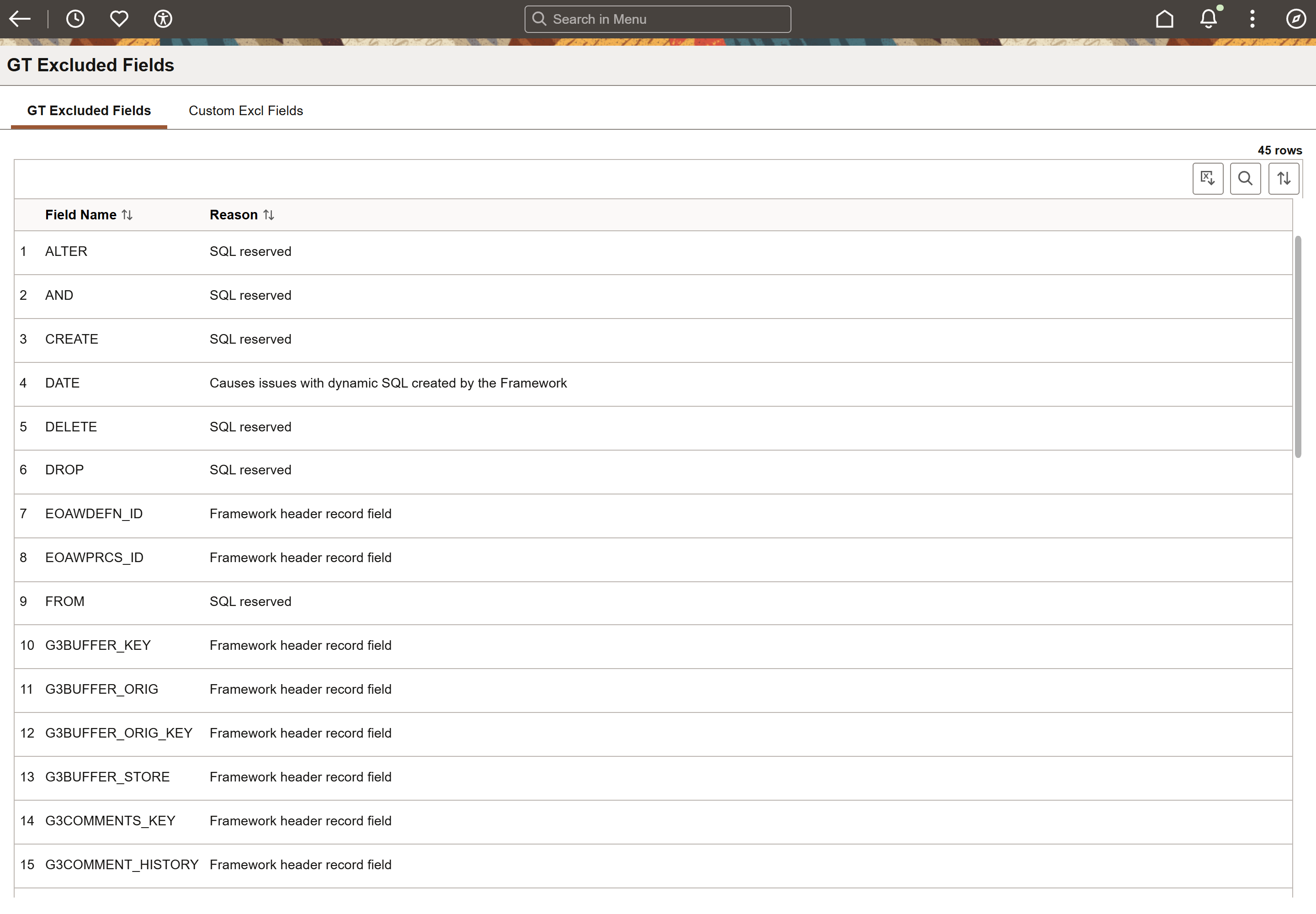
| Field | Value/Use |
|---|---|
| Field Name | The excluded PeopleSoft field. |
| Reason | Why the field is excluded. |
Custom Excl Fields
Add the fields your organization wants to keep out of Form Setup, one row for each field, and click "Save".
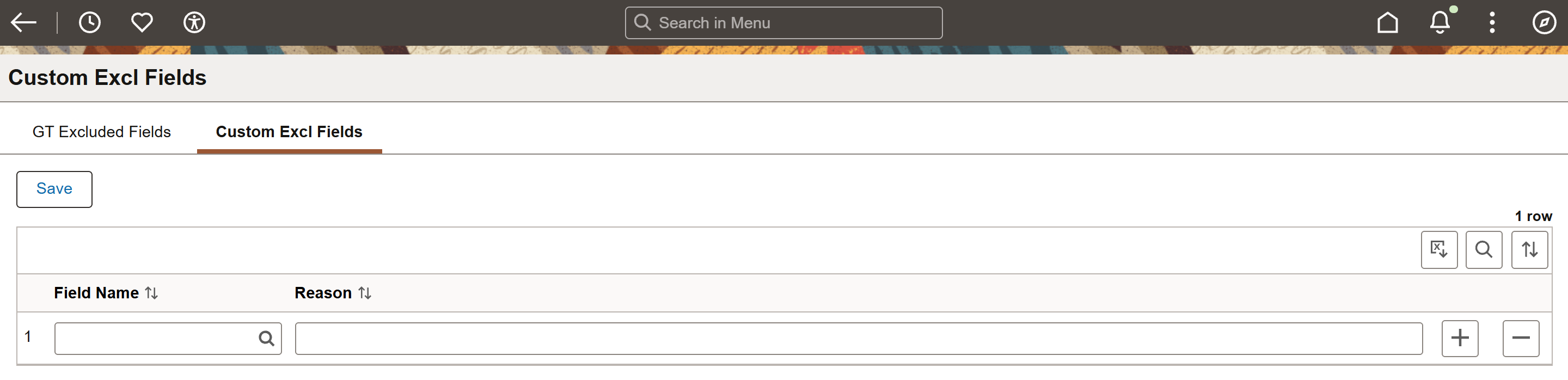
| Field | Value/Use |
|---|---|
| Save (button) | Saves the list. |
| Field Name | The PeopleSoft field to exclude. The lookup leaves out fields that are already on either list. |
| Reason | Why the field is excluded, for other form builders and administrators. Up to 70 characters. |
| + / - (buttons) | Add a row, or delete one. |
Where the Lists Apply
- Form Setup: in Segment Configuration on the Pages tab, excluded fields don't appear in the Field Name lookup, and an excluded field name typed into Field Name isn't accepted.
- Value Lists: when you add a new list of type Value List on the Value Lists page, excluded fields don't appear in the Field Name lookup.
The lists don't change forms that already exist. Fields already on a form type stay as they are.