Search Sets Setup
Search Sets provide an alternative way to group form types together in navigation. Using search sets, form types from different form families can be grouped together and a new landing page, security, and search records can be applied to the search set.
Navigation: Mange GT eForms 3.x > GT Functional Setup > GT System Setup > Search Set Setup
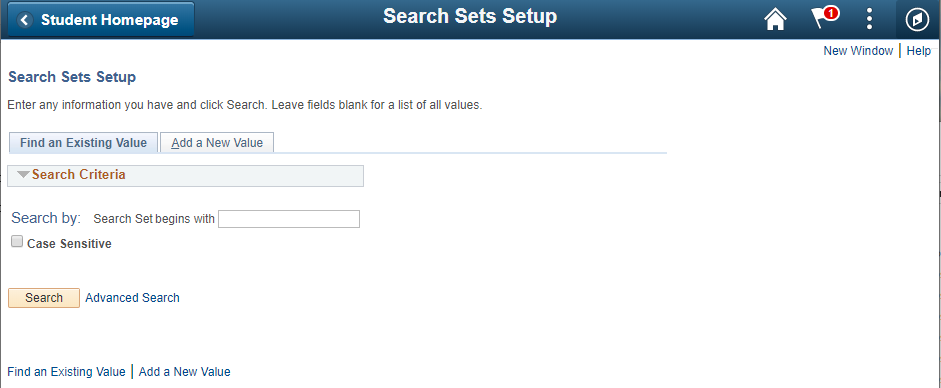
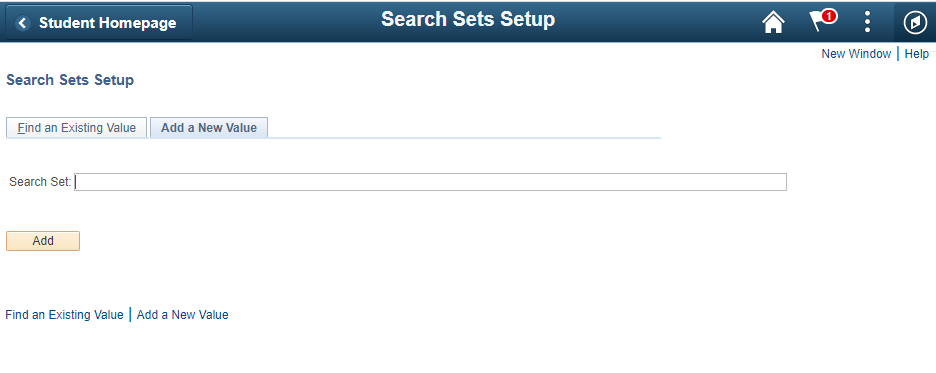
Find or Create a New Search Set
| Find an Existing Value |
|---|
 |
| Add a New Value |
|---|
 |
| Field | Value/Use |
|---|---|
| Find an Existing Value | Search for an existing search set |
| Add a New Value | Create a new search set by entering the search set name Note: Search Set names can only contain alphanumeric characters and spaces. |
| Add (button) | Creates the new search set and opens the Search Sets Setup page |
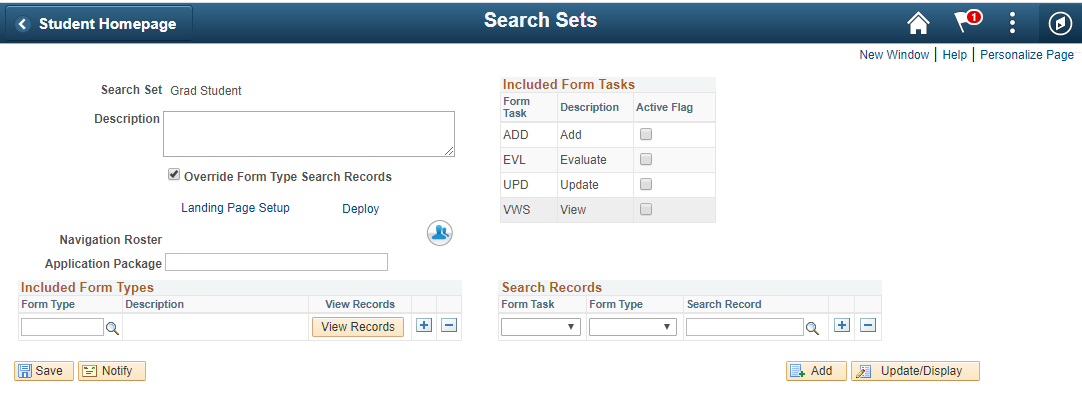
Search Sets Setup page
| Field | Value/Use |
|---|---|
| Search Set | Read-only search set name set. |
| Description | Enter a description of the Search Set so users will understand the grouping. |
| Override Form Type Search Records | Check this box to enter alternative search records for the search set. Search records configured here will override the family search records configured on the Form Type setup. If not checked, the search set will use the search record for the form type. |
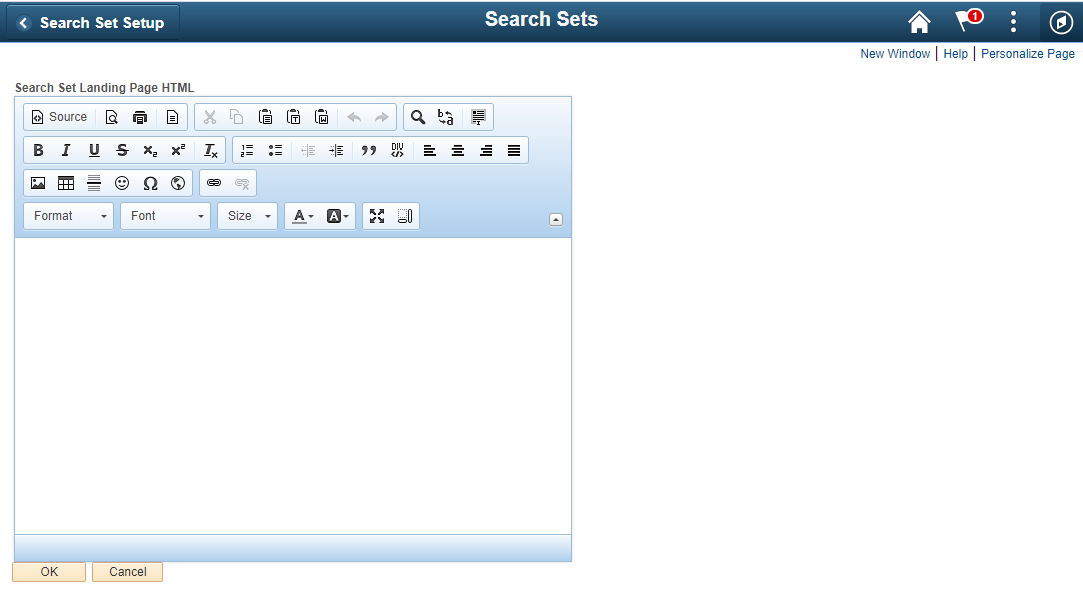
| Landing Page Setup | Opens a rich text editor where instructions, a welcome message, or other details can be added to the landing page. |
| Deploy | Opens the deployment tool for publishing the search set |
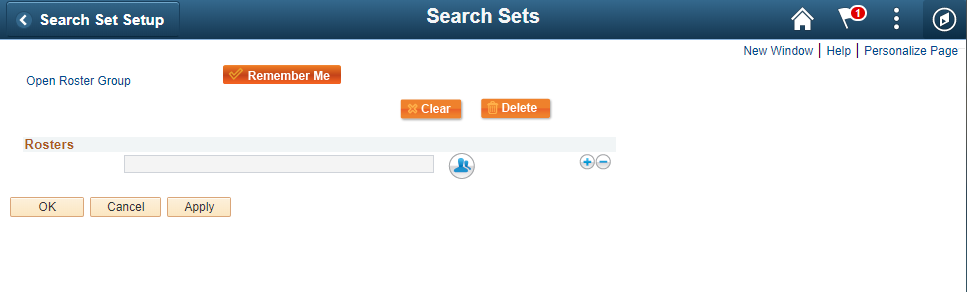
| Navigation Roster | Assign a roster to the Search Set. Note: In additional to roster access here, users will need to have access to the form task via the Form Type task rosters. |
| Application Package | Define an optional Application Package. This feature is useful for custom search hooks used to improve performance and simplify the URL. |
| Active Flag Checkboxes for Add, Evaluate, Update, and View | Activates the task in a search set. |
Included Form Types
| Field | Value/Use |
|---|---|
| Form Type | Use the prompt to add a Form Type to the Search Set. |
| Description | Read-only description of the Form Type selected. |
| View Records (button) | When clicked, shows a popup window displaying the Form Type Search Search Record for each Form Task. If any search records were overridden using the Override Form Type Search Records checkbox, those records will show within this window. |
Search Records
This segment shows only when the Override Form Type Search Records box is checked.
| Field | Value/Use |
|---|---|
| Search Records – Form Task | Use the drop-down to select the form task: Default Add Evaluate Update View If default is selected, the default search record for any rows that do not have a more specific task or type defined will be used. |
| Search Records – Form Type | Use the dropdown to select a Form Type from the Included Form Types grid. |
| Search Records – Search Record | Use the prompt to select a Search Record to apply to the specified form task and type. |
| Landing Page Window |
|---|
 |
| Rosters Icon Window |
|---|
 |